
Read the letter
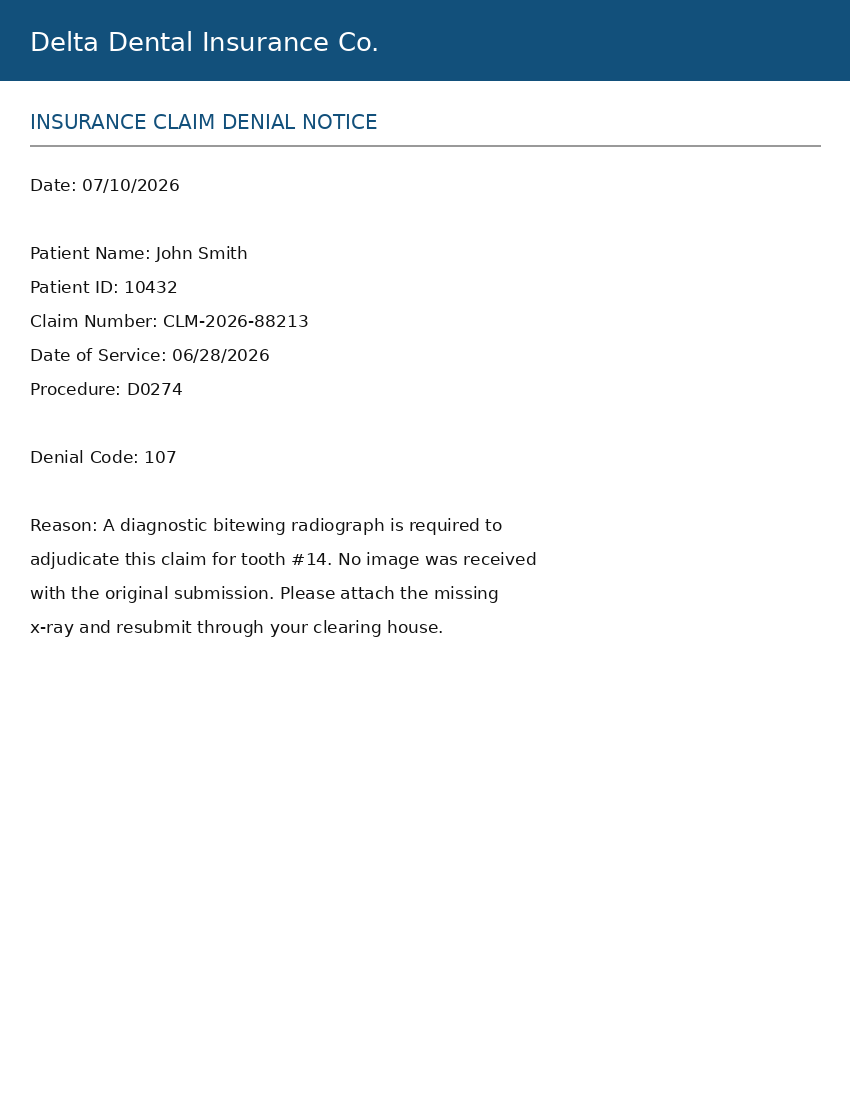
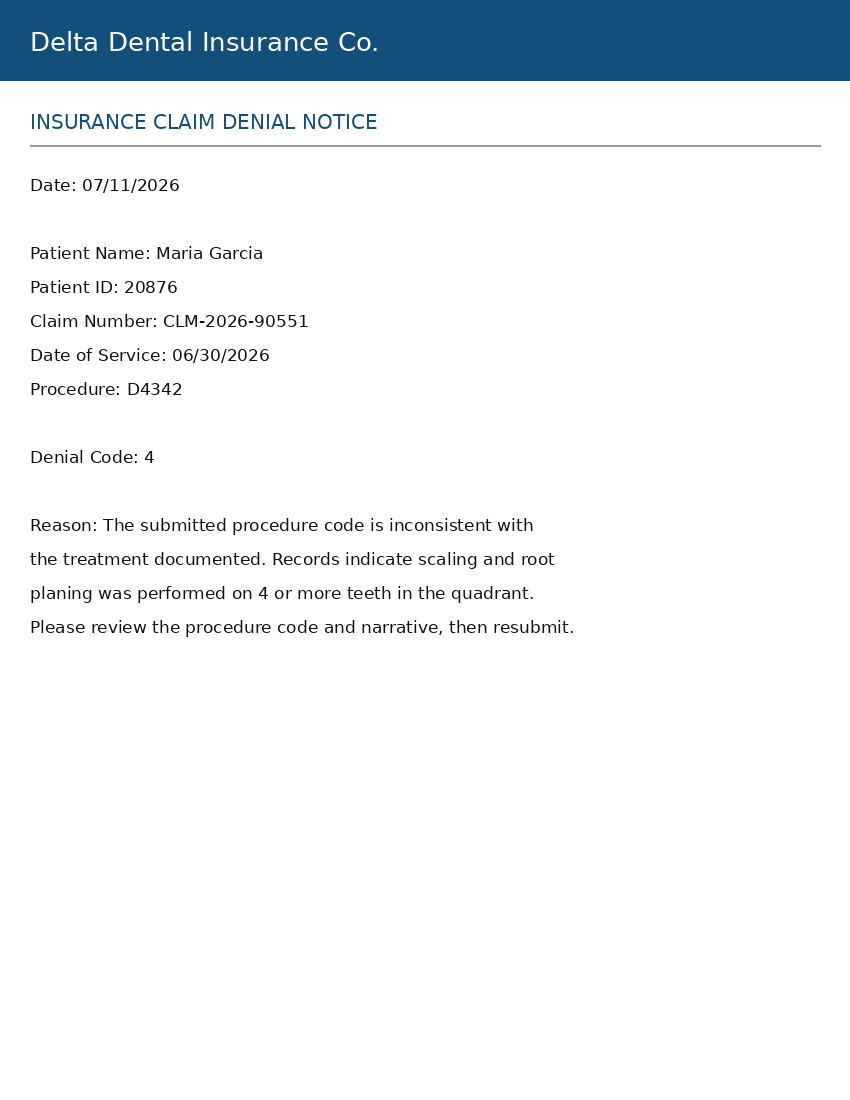
OCR and a denial-code knowledge base pull patient, claim number, codes, and reason — missing radiograph, procedure code, or narrative.
Dental Denial Assistant
ClaimMend reads dental insurance denial letters, finds the missing x-ray in Dexis or the code/narrative fix, and builds a clean package for Vyne. We install it on a dedicated workstation we manage — not on staff PCs, and not as a free download. You still submit the claim. Nothing is sent automatically.
Five steps
Guided workflow: upload or scan → analyze → resolve → preview → export. Email denials can land in the same queue.
OCR and a denial-code knowledge base pull patient, claim number, codes, and reason — missing radiograph, procedure code, or narrative.
Search Dexis for the matching x-ray, or get a suggested CDT correction and a stronger carrier-facing narrative. You choose what attaches.
A folder with the original scan, x-ray, response letter, and summary — ready for manual upload through Vyne or another claim site.
Sample letters
These two letters ship with ClaimMend so a demo can run without a real patient’s chart. They are marked as demo data. They are not a screenshot of the app — that walkthrough happens when you schedule a demo.
Dental offices
ClaimMend looks up the patient and the claim in the PMS. Network Specs does that setup. Staff keep charting where they already do.
When a denial asks for a radiograph, ClaimMend finds the matching image in Dexis 9 or Dexis 10. You choose what goes in the package.
The export is a folder your staff upload in Vyne. ClaimMend does not send the claim.
After the walkthrough we connect Dentrix, Eaglesoft, or Open Dental, plus Dexis, Vyne, and email on a dedicated workstation.